Page 2 of 5
Re: Dark mode theme (CSS)...here you go
Posted: 28 December 2020, 22:55
by dapotamus
Made a small update to #async_table_banner to make it match the icon above.

- bga_update4.png (216.95 KiB) Viewed 1576 times
UPDATE: After testing, I've changed the contrast from what shows in the screenshot here to make it more readable.
Re: Dark mode theme (CSS)...here you go
Posted: 29 December 2020, 00:56
by dapotamus
And another update for today to significantly improve (IMHO) the game lobby ("PLAY NOW") page. I've removed the distracting and redundant "Play Now!" buttons, moved the position of the name of the game, and increased the size of the game box images—all to put more focus more on the games rather than the chrome.
This update also fixes problems with overlaps in other view modes. Thanks to JPreto for letting me know about them!
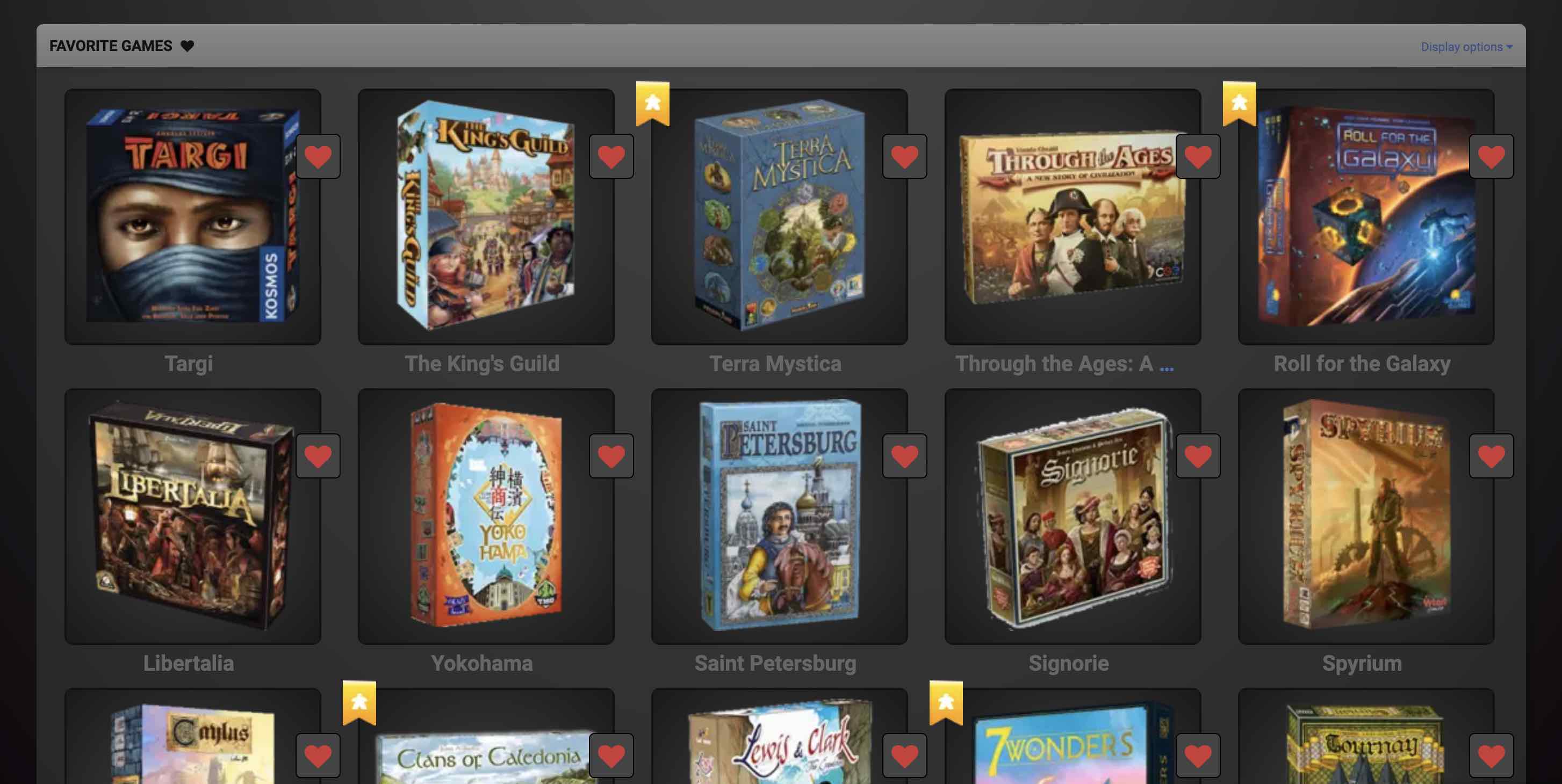
- bga_update5.jpg (192.51 KiB) Viewed 1567 times
Re: Dark mode theme (CSS)...here you go
Posted: 29 December 2020, 12:09
by dapotamus
A major update to the Games list to make it consistent with the "Play now" (lobby) page. This one was challenging because the underlying markup is significantly different than the other page, so this was a matter of copying look and feel rather than reusing CSS.
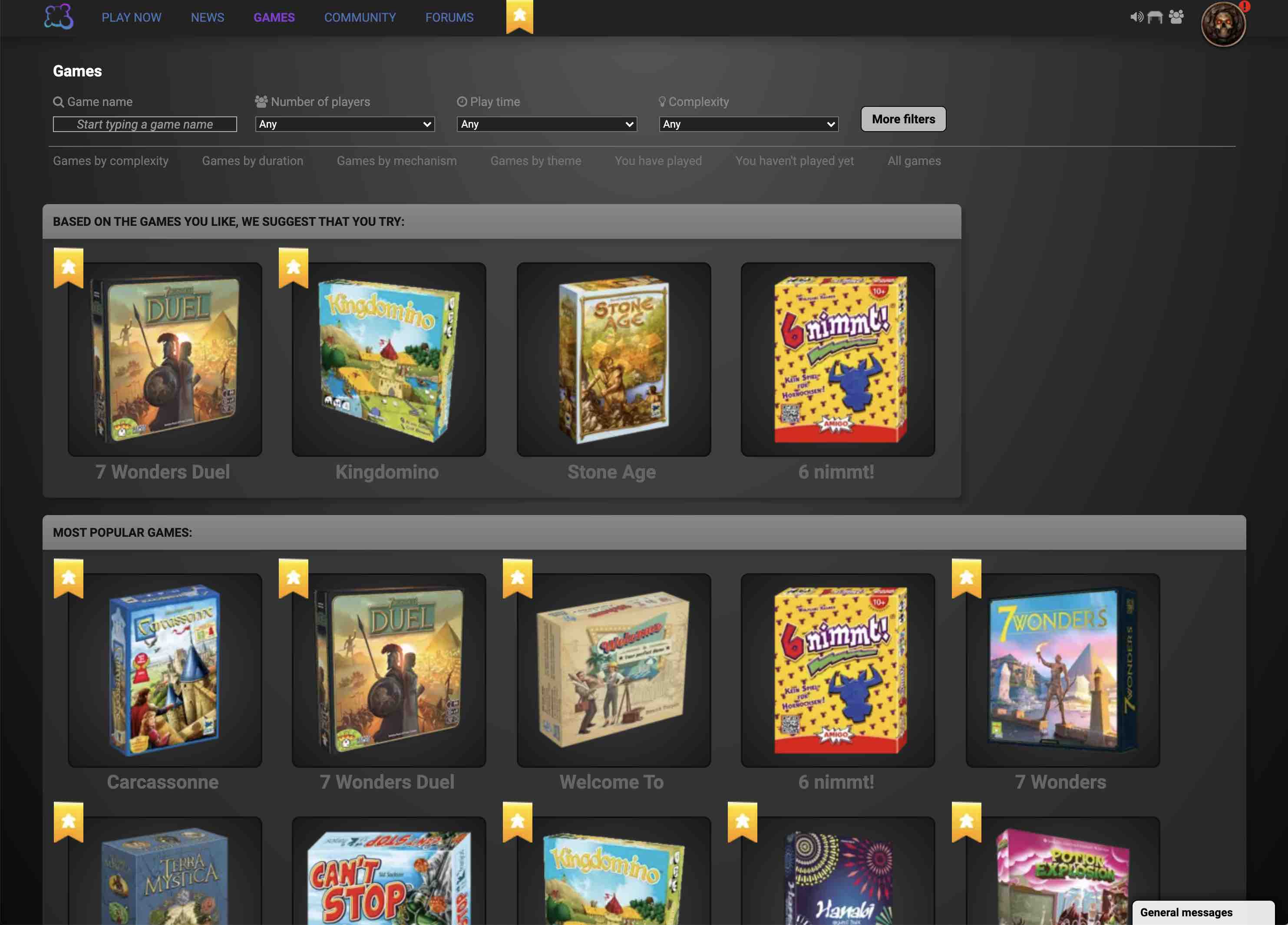
- bga_update6.jpg (218.59 KiB) Viewed 1554 times
Re: Dark mode themes (CSS)...here you go
Posted: 29 December 2020, 12:38
by CB Droege
I've been using this theme for a few days now, and I really like it. It's the first dark theme I've run across that doesn't bork things overmuch.
I have one note:
Some games, like Cant Stop have some black text directly on the background, and that becomes nearly unreadable. I have to highlight the text with my cursor to read it. I blame the game dev for not thinking about possible background changes, but I still wonder if it's possible to add a glow or outline to any black text that sits right on the background.

Re: Dark mode themes (CSS)...here you go
Posted: 29 December 2020, 13:33
by dapotamus
Re: Dark mode themes (CSS)...here you go
Posted: 29 December 2020, 13:37
by dapotamus
CB Droege wrote: ↑29 December 2020, 12:38
I've been using this theme for a few days now, and I really like it. It's the first dark theme I've run across that doesn't bork things overmuch.
Hi CB, thanks!
CB Droege wrote: ↑29 December 2020, 12:38
I have one note:
Some games, like Cant Stop have some black text directly on the background, and that becomes nearly unreadable. I have to highlight the text with my cursor to read it. I blame the game dev for not thinking about possible background changes, but I still wonder if it's possible to add a glow or outline to any black text that sits right on the background.
Thanks for letting me know about these. I don't think the game dev can really do anything to account for this since I'm swapping in new CSS underneath, so it's more due to my inability to test all the games yet. If you have a list of games with problems other than Can't Stop, I can tune up my CSS to try to correct the problem.
Re: Dark mode themes (CSS)...here you go
Posted: 29 December 2020, 13:43
by dapotamus
By the way, CB Droege, my rebuilt variant #1 without the tiled background (just released tonight) doesn't totally fix the issue but does seem to work a little better:
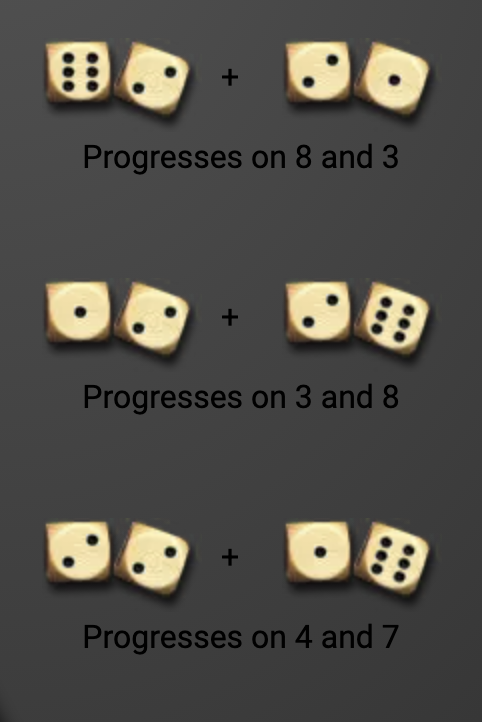
- Screen Shot 2020-12-29 at 4.41.40 AM.png (206.45 KiB) Viewed 1541 times
Re: Dark mode themes (CSS)...here you go
Posted: 29 December 2020, 13:57
by dapotamus
OK, I've added a fix for Can't Stop and updated the first post with it. Please reinstall the CSS from there.
Re: Dark mode themes (CSS)...here you go
Posted: 29 December 2020, 14:50
by CB Droege
Wonderful! Thanks. Do you have a tip jar somewhere?
Re: Dark mode themes (CSS)...here you go
Posted: 29 December 2020, 20:44
by dapotamus
CB Droege wrote: ↑29 December 2020, 14:50
Wonderful! Thanks. Do you have a tip jar somewhere?
Not really, but thanks for the feedback! Let me know if you find any other glitches.