Page 1 of 1
Increasing Board Size?
Posted: 14 May 2016, 19:10
by Korkov
If this is obvious, I am sorry. Is there any way that I can make the Dragonheart board bigger? On my screen, it is in the upper left hand corner and quite small. I have tried increasing the zoom, but it causes issues and gets quite blurry.
Re: Increasing Board Size?
Posted: 16 May 2016, 03:48
by Jest Phulin
What issues are you having when you increase the zoom? BGA is browser-based, so zoom should fix size issues.
Also, can you provide screen shots of the issue?
Re: Increasing Board Size?
Posted: 18 May 2016, 19:19
by Korkov
If I increase the board size, the cards and board become a bit blurry: I am just assuming that the images are taken at a particular resolution and cannot be sized up without losing image quality.
Perhaps it is just with Dragonheart?
The first image is standard zoom and the next is sized up to be able to see the board better.
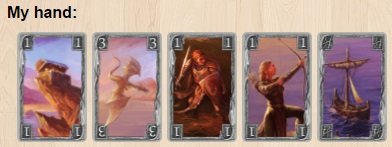
- Normal.jpg (25.53 KiB) Viewed 2755 times
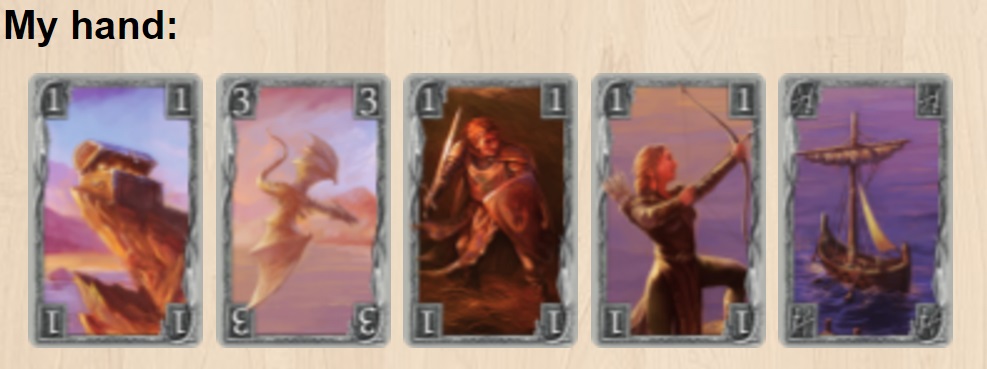
- Increase.jpg (80.02 KiB) Viewed 2755 times
Anyway, perhaps there is no solution. But I do thank you for the reply.
Re: Increasing Board Size?
Posted: 20 May 2016, 07:07
by Liallan
Personally, I can see the big ones better. They might be technically "blurrier" but I can still see them better.
For the work that I do, it's not unusual for me to have to zoom in on stuff people send me, and it does becomes more blurry. Stick your face into your TV some time - it'll become blurry too.
Re: Increasing Board Size?
Posted: 21 May 2016, 23:04
by Oso
Because images aren't big, so when you zoom in you make it blurries
What resolution are you using in your PC?
Edit:
We can suggest a "new style option", the game is a little small but not bad in 1366x768. Could be good if we can press-in-game and can display a "big tableau"
Re: Increasing Board Size?
Posted: 22 May 2016, 09:17
by Liallan
I think I zoom in on this game as well.