tl;dr
I end up
inscribing a circle in rectangle, but
clip-path should be even better.
More detailed explanation follow...
There is a way to draw a hexagon with css borders:
https://jtauber.github.io/articles/css-hexagon.html
You can use before and after pseudoclasses instead of separate divs.
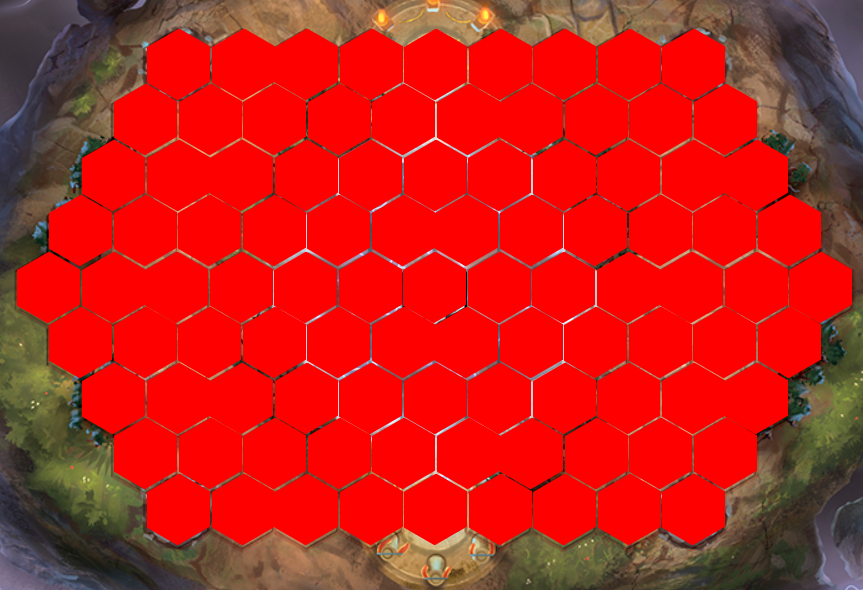
The problem with this approach is that a part of rectangle that is missing (making a rectangle look like hexagon) is still interactive. When you put two hexagons next to each other in a hex grid parts of them are overlapping and click on that overlapping part can be handled on both of hexagons.
You can make hexagons with svg polyline elements. You can have one svg element and put inside many polylines that make a hexgrid or you can have multiple svg elements, each with one polyline and arrange svg elements in hexgrid. I think the second approach is better because polyline elements have a read-only class attribute so it would be better to change css class to svg element itself or to div that wraps it.
There was some other problems which made me decide against using svg which I cannot remember right now.
At the end I inscribed a circle (div with border radius of 50%) into hexagon (in other words make invisible grid of circles above your board graphic file such that each circle is inscribed in one hexagon on graphic file). That way almost all of your hexagon is interactive and there is no overlap. Very simple and straightforward. The problem with this approach could be highlighting specific hexagon as you cannot simply made its border glow or change their background color, but you can show that circle or be more creative with highlighting by using images or other html elements on top.
The best approach should be using the
clip-path css property, but I didn't try it. It is used in Kingdom builder implementation and works fine. It is not
highly supported without prefixes, so remember to use them.